
GIF Metadata: How Comment and Application Extensions Store Hidden Data

Most people think of GIFs as simple animated loops. They see the colors, the movement, and maybe a caption. What they don't see is the data hiding in plain sight inside the file structure. While JPEGs get all the attention for their EXIF tags, GIF metadata is non-pixel information embedded within the Graphics Interchange Format container, including headers, color tables, and extension blocks like Comments and Applications. Specifically, two parts of the file-the Comment Extension and the Application Extension-carry hidden text and structured data that most standard decoders ignore completely.
If you are dealing with sensitive images or trying to understand how tools strip this data, knowing where it lives is crucial. These extensions allow software to embed timestamps, copyright info, or even GPS coordinates without altering the visual pixels. Let's look at exactly how these blocks work and why they matter for your privacy.
The Binary Structure of GIF Extensions
To understand the metadata, you have to look at the raw bytes. A GIF file isn't just a picture; it's a sequence of logical blocks. The core image data is surrounded by descriptors and extensions. The GIF89a specification introduced these extensions to add features like transparency and animation delays. But it also created generic containers for arbitrary data.
Every extension starts with an introducer byte (`0x21`). This tells the decoder, "Hey, pay attention, something extra is coming." Immediately after, a label byte identifies what kind of extension it is. For our purposes, there are only two labels that matter:
- Comment Extension (Label `0xFE`): Designed for human-readable notes.
- Application Extension (Label `0xFF`): Designed for software-specific data.
Both follow the same sub-block pattern. The data is broken into chunks, each preceded by a length byte, and terminated by a zero-length block. This design allows for variable amounts of data, but it requires a parser that knows how to handle these specific byte sequences.
Decoding the Comment Extension
The Comment Extension is a GIF metadata block identified by label 0xFE used to store unstructured, human-readable text or binary notes about the image. It is the simplest way to attach a note to a GIF. When you open a GIF in a hex editor, this section appears before the image data.
In theory, this is just text. In practice, the GIF specification does not enforce a character encoding. It treats the payload as a raw stream of bytes. This means a comment could be ASCII, UTF-8, or even garbage data from a buggy encoder. Libraries like Accusoft’s ImageGear treat this as a variable-length string, making it easy to read if you know where to look. However, many mainstream libraries simply skip over these blocks because they aren't required to render the image.
Why would someone put data here? Often, it's automated. An editing tool might drop its name and version number in the comment field. A photographer might add a quick copyright notice. Because it's unstructured, there is no standard format. One tool might write "Created with Photoshop," while another writes a base64-encoded string. This lack of standardization makes it messy but also flexible.
The Power of the Application Extension
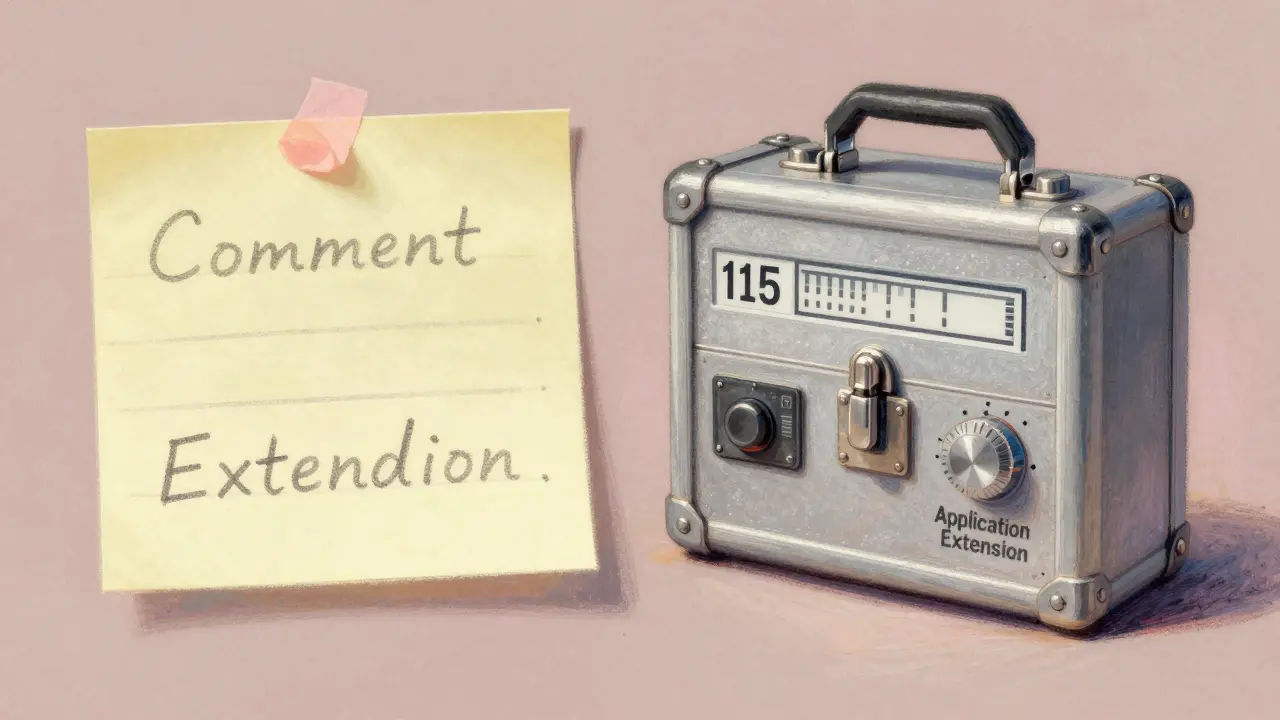
If the Comment Extension is a sticky note, the Application Extension is a complex GIF metadata block labeled 0xFF that carries structured application-defined data, often containing XMP packets or proprietary metadata. It is far more sophisticated. It begins with an 11-byte header consisting of an 8-byte Application Identifier and a 3-byte Authentication Code. This header acts as a namespace, ensuring that different programs don't overwrite each other's data.
This is where things get interesting for privacy. Modern tools use this space to store rich metadata standards like XMP (Extensible Metadata Platform). XMP was designed for PDFs and JPEGs, but thanks to the flexibility of the Application Extension, it can live inside a GIF too. Tools like ExifTool is a command-line utility for reading, writing, and editing meta information in files including images, audio, video, and PDFs actively support writing XMP tags into GIFs using this mechanism. You can embed `DateTimeOriginal`, `UserComment`, and even GPS coordinates inside an Application Extension.
This creates a false sense of security for users who assume GIFs are "clean" because they don't have EXIF segments like JPEGs do. They do have metadata; it's just packed differently. If you share a GIF taken with a smartphone, the location data might be sitting right there in an Application Extension, wrapped in XML.
How Libraries Handle (or Ignore) This Data
The biggest issue with GIF metadata is that many programming languages and libraries choose to ignore it. If you load a GIF in Python's Pillow or Go's standard library, you might find that the Comment Extension is silently discarded. The decoder reads the image frames, renders the pixels, and throws away the rest to save memory and processing time.
This is a major pain point for developers who need to preserve metadata. For example, a GitHub issue in the Go language repository highlights that the standard `image/gif` package ignores comments entirely. Developers have had to fork the library or use third-party tools just to write a simple comment. Java's Image I/O API is one of the few mainstream exceptions; it exposes both Comment and Application extensions as part of its metadata tree, allowing developers to read and write them explicitly.
This inconsistency means that if you rely on a basic web browser or a simple image viewer, you likely won't see this data. But that doesn't mean it's gone. Specialized inspection tools will still pull it out.
| Feature | Comment Extension | Application Extension |
|---|---|---|
| Binary Label | 0xFE | 0xFF |
| Data Structure | Raw bytes / Unstructured text | 11-byte header + Sub-blocks |
| Typical Content | Tool names, short notes | XMP packets, GPS, timestamps |
| Standardization | None (arbitrary) | Defined by App ID (e.g., XMP) |
| Library Support | Poor (often ignored) | Moderate (requires specific parsers) |
Inspecting and Removing Hidden GIF Data
So, how do you check if your GIF has hidden data? You can't just look at the file properties in Windows or macOS. Those OS-level viewers rarely parse GIF extensions deeply. You need a dedicated tool.
For power users, ExifTool is the gold standard. It can dump every bit of metadata, including XMP packets hidden in Application Extensions. But running command-line tools isn't always practical. For a quicker, visual approach, browser-based tools have emerged. Vaulternal's image metadata remover operates entirely in the browser, meaning your file never leaves your device. It parses the GIF structure, identifies these extension blocks, and allows you to view or strip them instantly.
When you use such a tool, it essentially rebuilds the GIF file. It keeps the pixel data identical-no recompression, no quality loss-but drops the extension blocks unless you tell it otherwise. This is critical for professionals who need to deliver clean assets. If you are a photographer sending a GIF to a client, you want the animation, not your camera serial number or edit history.
The process is straightforward:
- Upload the GIF to the inspector.
- Review the detected metadata (look for "Comment" or "Application" sections).
- Select the fields to remove.
- Download the cleaned file.
Because the tool runs locally using WebAssembly, the privacy risk is minimal. The heavy lifting happens in your browser's memory, not on a remote server.

Why This Matters for Privacy and Security
You might wonder why anyone cares about a comment in a meme. The answer lies in automation and profiling. Malicious actors or aggressive ad networks can scrape metadata from shared images to build profiles. Even if the GIF is anonymous, the embedded data might reveal the software used to create it, the timestamp of creation, or geographic coordinates.
Consider a journalist sharing a GIF from a conflict zone. If the Application Extension contains GPS data via XMP, the source of the footage is compromised. Or consider a corporate leak. A GIF screenshot might contain internal project codes in the Comment Extension. These details seem trivial until they are used against you.
Furthermore, as AI models become better at analyzing image files, they may start parsing these extensions to train on style or origin data. Understanding the structure helps you control what information you feed into the ecosystem.
Best Practices for Clean GIFs
If you work with GIFs regularly, adopt a hygiene routine. Don't assume the format is safe by default. Here are three steps to keep your files clean:
- Use Dedicated Strippers: Avoid re-saving images through general-purpose editors that might inject their own metadata. Use tools specifically designed to sanitize files.
- Verify Before Sharing: Run suspicious GIFs through an inspector. Check for unexpected Application Extensions, especially those carrying XMP data.
- Be Wary of Sources: GIFs downloaded from social media or forums may carry tracking pixels or analytics IDs embedded in comments. Strip them before archiving or redistributing.
The technology behind GIFs is old, but the risks are modern. By understanding how Comment and Application extensions work, you gain visibility into the hidden layer of your digital assets. Whether you are a developer debugging a parser or a user protecting your privacy, knowing where the data hides is the first step to controlling it.
What is the difference between Comment and Application extensions in GIFs?
The Comment Extension (label 0xFE) stores unstructured, human-readable text or raw bytes, often used for simple notes or tool signatures. The Application Extension (label 0xFF) is more complex, featuring an 11-byte header that defines a namespace. It is typically used to store structured data like XMP packets, which can include GPS coordinates, timestamps, and copyright information.
Can GIFs contain GPS location data?
Yes, but not natively like JPEGs. GIFs can carry GPS data if it is embedded within an XMP packet stored in an Application Extension. Tools like ExifTool support this feature, allowing precise location metadata to be hidden inside the GIF container without affecting the visual output.
Why do some image libraries ignore GIF metadata?
Many standard libraries prioritize rendering speed and memory efficiency. Since Comment and Application extensions are not required to display the image pixels, parsers often skip them to reduce overhead. This leads to metadata being lost during conversion or viewing unless specialized metadata-aware libraries are used.
How can I remove metadata from a GIF without losing quality?
Use a browser-based metadata remover that processes files locally. These tools parse the GIF structure, extract the pixel data, and discard the extension blocks. Because they do not recompress the image data, the visual quality remains identical to the original file, while all hidden metadata is stripped.
Is it safe to upload GIFs to online metadata removers?
It depends on the tool. Services that upload files to a server pose a privacy risk, as the server owner can access your metadata and image content. Look for tools that operate entirely client-side using WebAssembly or JavaScript, ensuring that your file never leaves your browser. You can verify this by checking the Network tab in your browser's developer tools.