

Hardware 2FA Keys vs Software Authenticators: Which Is Truly Safer for Your Blockchain Accounts?
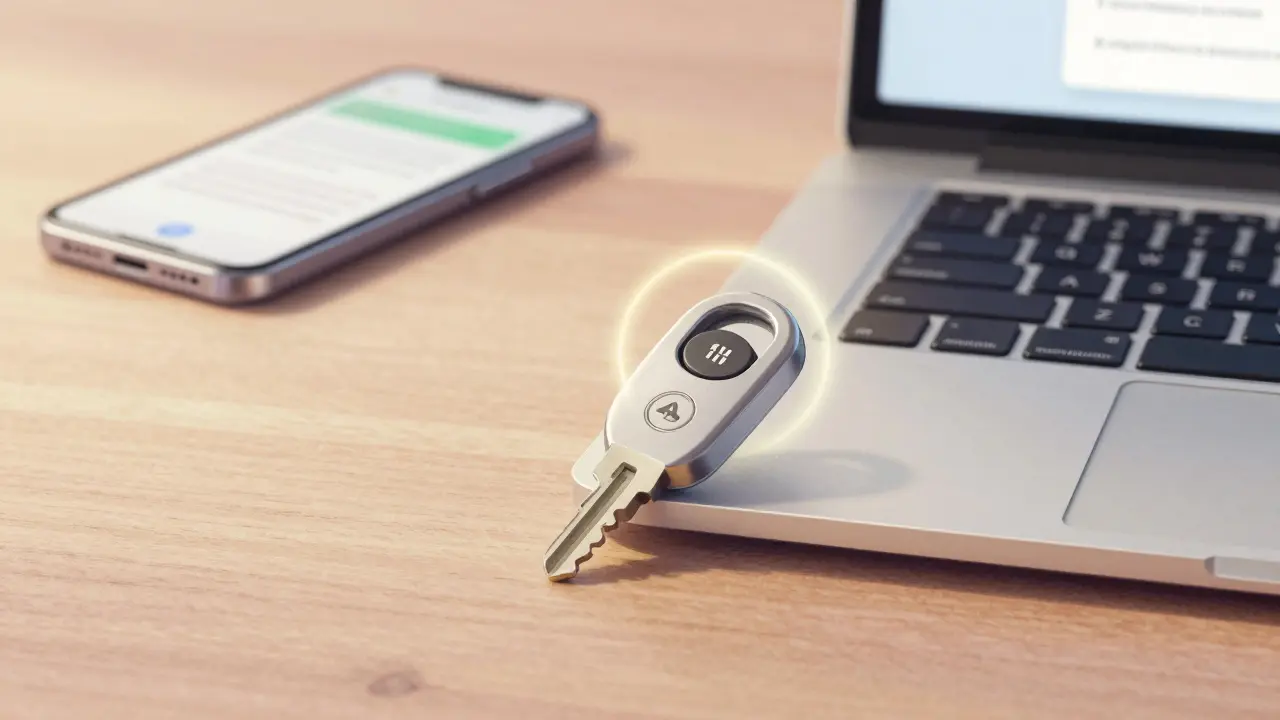
Imagine logging into your crypto wallet, and instead of typing a code from your phone, you just tap a tiny key on your laptop. No app. No typing. No chance for a hacker to steal it remotely. That’s the power of a hardware 2FA key. But most people still use Google Authenticator or Authy on their phones. Which one actually keeps your Bitcoin, Ethereum, or NFTs safer?
If you’re holding crypto, you’re already past the point where passwords alone are enough. Two-factor authentication (2FA) is non-negotiable. But not all 2FA is created equal. There’s a massive difference between a physical device you can hold in your hand and an app on your phone that could be hacked in seconds. Let’s cut through the noise and see what really matters when it comes to protecting your digital assets.
How Hardware 2FA Keys Actually Work
Hardware 2FA keys, like YubiKey or Feitian, are small USB or NFC devices that use something called WebAuthn or U2F. These are open standards built into modern browsers and operating systems. Unlike apps that generate codes, these keys use public-key cryptography. When you set one up with a service like Ledger, Coinbase, or MetaMask, the key creates a unique pair of cryptographic keys - one public, one private. The private key stays locked inside the hardware. It never leaves. It can’t be copied, stolen, or intercepted.
When you log in, the website sends a challenge. The key responds with a signed proof - using your private key - that only your device can generate. The server checks it against the public key it saved earlier. No code is ever sent over the internet. No number to guess. No QR code to scan twice. Just tap, press, or plug in. And because the authentication is tied to the exact website domain, phishing sites can’t trick it. Even if you accidentally visit a fake Coinbase page, the key won’t respond. It knows it’s not the real one.
This makes hardware keys the only 2FA method that’s truly phishing-resistant. No other method can say that. SMS? Easily hijacked. Email recovery? Often the weakest link. Software authenticators? Can be drained by malware. But a hardware key? You need physical access. And even then, you’d have to break into its tamper-proof chip - something even nation-states struggle with.
How Software Authenticators Work (And Why They’re Riskier)
Software authenticators - Google Authenticator, Authy, Microsoft Authenticator - work differently. They use TOTP: Time-Based One-Time Passwords. You scan a QR code during setup. That code contains a secret key, shared between your phone and the service. Your phone then uses that secret, plus the current time, to generate a 6-digit number that changes every 30 seconds.
It’s better than SMS. But here’s the problem: that secret key lives on your phone. If your phone gets infected with spyware - say, through a fake crypto app or a malicious link - the malware can steal that secret. Once it’s stolen, the attacker can generate valid codes forever. No physical access needed. Just remote code execution.
Even without malware, there are other risks. Lost phone? Locked out. Factory reset? All codes gone unless you backed them up (and if you wrote them down, that’s a new vulnerability). Synced across devices? That’s convenient, but now you’ve multiplied your attack surface. If one device is compromised, all of them are. Authy claims to encrypt backups, but if you use cloud sync, you’re still trusting a third party with your secrets.
And let’s not forget social engineering. A hacker calls you pretending to be support, asks for your 2FA code, and you give it to them. With a hardware key? They can’t get the code unless they have the physical device and can physically press the button. No amount of persuasion changes that.
Security Comparison: Hardware vs Software
Let’s be blunt: hardware keys win on security. Every time. Here’s why:
- Phishing resistance: Hardware keys block phishing. Software authenticators don’t. If you click a fake link, your TOTP code is still usable on the real site.
- Remote compromise: Hardware keys require physical access. Software authenticators can be hacked from anywhere with malware or a compromised cloud account.
- Secret exposure: Hardware keys never expose secrets. Software authenticators store the shared secret on a device that connects to the internet.
- Backup safety: Losing a hardware key locks you out - but you can register two keys as backups. Losing your phone with Authy? You lose everything unless you saved recovery codes (and most people don’t).
According to a 2024 NIST report, hardware-based authentication is the only method rated as “strong” for high-risk accounts. TOTP is labeled “moderate.” SMS? “Weak.” That’s not opinion - that’s federal cybersecurity guidance.
For blockchain users, this isn’t theoretical. In 2023, over 60% of crypto thefts involving 2FA happened because attackers stole TOTP secrets from compromised phones. There are documented cases where hackers used Android malware to extract Google Authenticator secrets within minutes of a device being rooted.
Convenience and Usability Trade-Offs
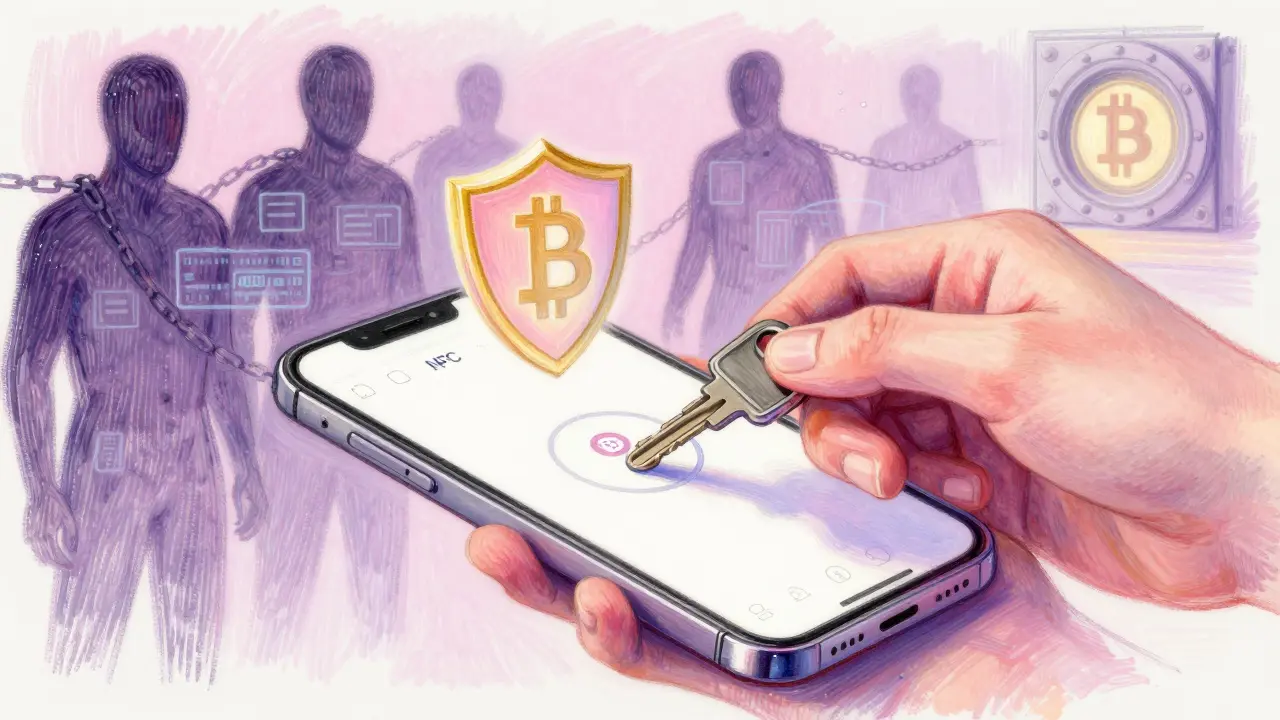
Hardware keys aren’t perfect. They’re physical. You can lose them. You can forget them. You can’t use them if your laptop doesn’t have a USB port or your phone doesn’t support NFC. Most Android phones now do, but older models? Not so much. And if you’re using a desktop-only wallet like Electrum, you need a USB key. No mobile option.
Software authenticators? They’re everywhere. Your phone’s already in your pocket. You don’t need to carry extra gear. You can back up your codes (if you’re careful). Apps like Authy let you sync across iPhone, iPad, and laptop. If you switch phones, you can restore everything. That’s a huge win for everyday users who aren’t security experts.
But here’s the catch: convenience often means compromise. If you’re holding $10,000 in crypto, is it worth risking it for the sake of not carrying a $25 key? Most people say yes - until they get hacked.
Cost and Accessibility
A good hardware key costs between $20 and $80. YubiKey 5 NFC is $35. Feitian is $25. You can buy two and keep one in a safe. That’s less than the cost of one failed transaction due to a compromised wallet.
Software authenticators? Free. No upfront cost. No shipping. No setup complexity. Just download, scan, done. That’s why 90% of crypto users still use them. But free doesn’t mean safe. It means you’re relying on your phone’s security - and most phones aren’t hardened against targeted attacks.
For institutions, hardware keys are standard. Hedge funds, exchanges, and custody providers all use them. Why? Because they’re auditable. You can track who used which key. You can enforce policies. You can require two keys for withdrawals. You can’t do that with a phone app.
Hybrid Solutions Are the Future
The line between hardware and software is blurring. Newer keys, like the YubiKey 5Ci, can do both: WebAuthn for desktop and TOTP for apps that don’t support FIDO2. Some even let you generate TOTP codes internally - so you get the security of a hardware device with the flexibility of a phone app.
And then there’s passkeys. Apple, Google, and Microsoft now support passkeys - which are essentially hardware-backed, passwordless logins using your device’s built-in biometrics (Face ID, fingerprint, Windows Hello). These don’t require a separate key. Your phone or laptop becomes the key. But here’s the catch: they still rely on the device’s security. If your phone is jailbroken or infected, your passkey is at risk.
True passkey security only happens when it’s tied to a dedicated hardware chip - like Apple’s Secure Enclave or Google’s Titan M2. That’s hardware. Just built into your phone instead of a separate stick.
What Should You Do?
Here’s the practical path:
- If you’re holding more than $5,000 in crypto - get a hardware key. Start with a YubiKey 5 NFC or a Feitian. Register it with your wallet and exchange.
- Use it as your primary 2FA. Disable TOTP on that account.
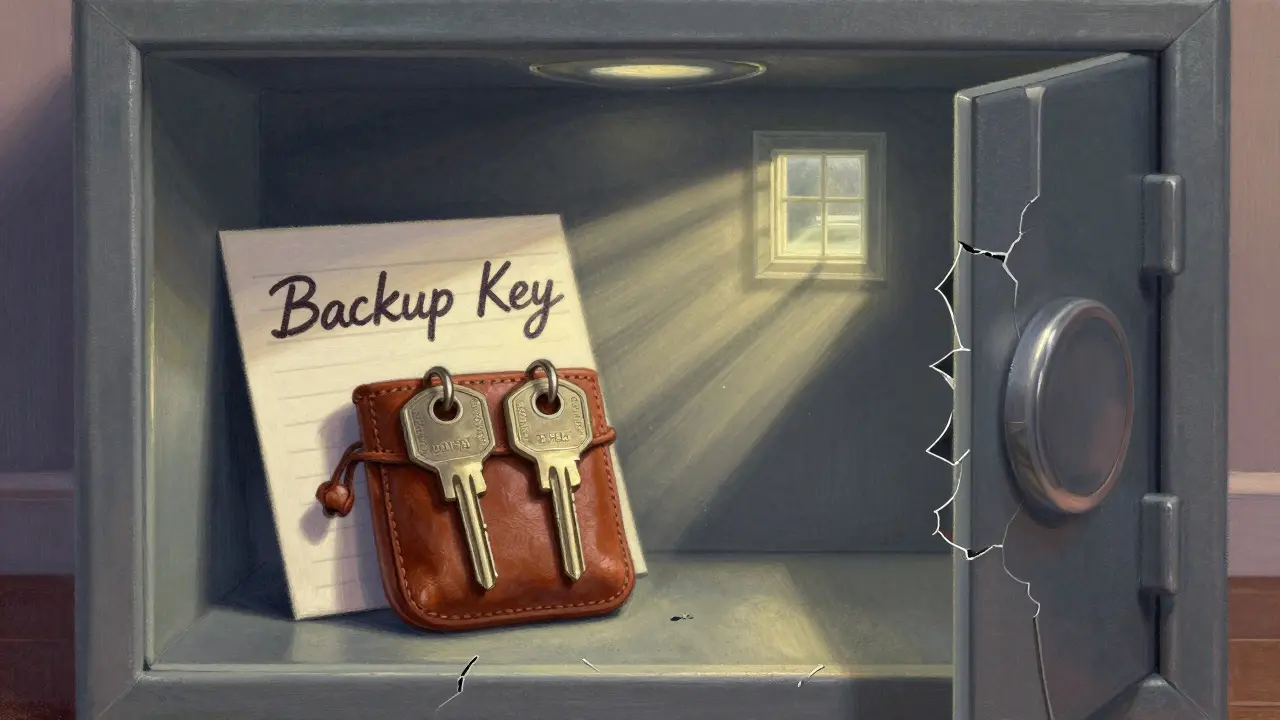
- Buy a second key. Keep one in a safe place. Don’t leave it with your wallet.
- For accounts that don’t support hardware keys (some small DeFi platforms), use a software authenticator - but never use the same app for your main wallet.
- Write down recovery codes. Store them offline. In a fireproof safe. Not on your computer.
Don’t think of a hardware key as an expense. Think of it as insurance. A $35 key that stops a $50,000 theft? That’s a no-brainer.
And if you’re not ready to buy one? At the very least, stop using SMS. Turn off SMS 2FA everywhere. It’s the weakest link. Use a software authenticator - but know it’s not enough. Not for crypto.
Final Reality Check
Security isn’t about being fancy. It’s about being harder to attack than everyone else. Most hackers go for the low-hanging fruit: stolen passwords, reused codes, SMS hijacks. If you use a hardware key, you’re no longer low-hanging fruit. You’re in the top 5% of users who actually understand the risks.
Blockchain isn’t just about tech. It’s about ownership. And if you can’t protect your access, you don’t really own anything. Your keys, your crypto. But if your 2FA is on a phone that can be hacked - you’re just borrowing it.
Can I use a hardware 2FA key with my crypto wallet?
Yes, most major crypto wallets support hardware 2FA keys. Ledger, Trezor, MetaMask, Coinbase Wallet, and Kraken all work with WebAuthn-compatible keys like YubiKey. You’ll need to enable it in the wallet’s security settings and follow the on-screen prompts to register your key. Always set up a backup key as well.
What if I lose my hardware 2FA key?
If you lose your key and didn’t set up a backup, you’ll need to use account recovery options - like backup codes or email verification - if they’re enabled. That’s why it’s critical to generate and store offline recovery codes when you first set up 2FA. Never rely on a single key. Always have at least two registered.
Are hardware keys worth the cost?
If you hold cryptocurrency, yes. A $35 key protects assets that could be worth thousands or more. The cost of a single hack - even a small one - far exceeds the price of multiple keys. For serious users, it’s not an expense. It’s a necessity.
Can I use a hardware key on my phone?
Yes, if your phone supports NFC. Most modern Android phones do. iPhones support it via Lightning or USB-C adapters. You can tap your key to authenticate on mobile browsers or apps that support WebAuthn. Not all crypto wallets on mobile support it yet, but adoption is growing fast.
Is Google Authenticator safe for crypto?
It’s better than SMS, but not safe enough for high-value crypto accounts. Google Authenticator stores secrets on your phone, which can be stolen by malware. If your phone is compromised, your crypto is at risk. Use it only as a fallback, not your primary method.






So you're telling me I need to buy a $35 stick to stop some guy in a basement from stealing my dogecoin? Cool. I'll just keep using my phone. At least my phone plays music.
Also, why does everyone act like hardware keys are magic? They're just USB flash drives with a chip. I've seen kids crack those at DEF CON with a paperclip.
The technical merits of hardware-based authentication are undeniable. The cryptographic isolation and phishing resistance offered by FIDO2 standards represent a significant advancement in security architecture.
However, user adoption remains constrained by accessibility and usability factors, particularly in regions with limited infrastructure. A balanced approach that acknowledges both security and practicality is essential for widespread implementation.
I just got my YubiKey last week and I’m obsessed. It feels like I finally leveled up from a beginner crypto user to someone who actually takes this seriously.
My husband laughed when I bought it, but now he’s asking if he can get one too. Honestly, if you’re holding any real amount, this isn’t optional. It’s like wearing a seatbelt - you don’t think about it until you need it.
And yes, I bought two. One in my wallet, one in my safe. No excuses.
Let’s be real - TOTP is a relic. It’s like using a dial-up modem in 2024. The fact that people still treat Google Authenticator like it’s secure is why 90% of crypto breaches happen.
And don’t even get me started on ‘recovery codes written on paper’ - that’s just social engineering waiting to happen. If you’re not using WebAuthn with a hardware key, you’re not securing your assets, you’re just performing security theater.
Also, Authy’s ‘encrypted cloud sync’? Please. They’re still a third party. Your secrets aren’t yours if they’re in the cloud. End of story.
Hardware keys are the only real defense against remote attacks
Period
Yes they can be lost
Yes you need to back them up
But your phone is a walking vulnerability
It connects to Wi-Fi
It runs apps
It gets rooted
It gets stolen
It gets phished
A key only does one thing
And it does it right
Stop overthinking it
Just get one
There’s a deeper question here that rarely gets asked - if we’re relying on physical objects to secure digital ownership, are we not just recreating the same trust models we tried to escape with blockchain?
Hardware keys are secure, yes - but they’re also centralized in the sense that your access depends on a single manufactured object, subject to supply chains, manufacturing flaws, and physical loss.
Perhaps the real goal isn’t just better 2FA, but a shift toward decentralized identity systems where no single point can be compromised.
Until then, hardware keys are the best tool we have - but they’re not the endgame.
This is a well-structured and deeply informative analysis. The distinction between phishing-resistant authentication and time-based one-time passwords is critical for the global crypto community, especially in emerging economies where cybersecurity awareness is still developing.
It is imperative that we promote hardware-based solutions not merely as a technical preference, but as a fundamental component of financial sovereignty.
Thank you for highlighting the importance of redundancy through backup keys - this is often overlooked but absolutely vital.
Hardware keys are the only way to go if you care about your assets
Google Authenticator is fine for email but not for crypto
I use a YubiKey 5 NFC and it’s been flawless
Got a second one stored in a safe
Don’t be lazy
Your coins are worth more than the key
I’ve been saying this for years and no one listens. Hardware keys are not an upgrade - they’re the baseline. Anyone using TOTP on their phone for crypto is essentially handing their keys to a hacker on a silver platter.
And don’t tell me about ‘I’m careful’ - you’re not. You clicked a link once. You installed a sketchy app. You let your phone auto-update. You’re not special.
Stop pretending you’re safe. You’re not. Get a key. Now.
Wow what a long winded lecture. You act like hardware keys are the second coming. Newsflash - I’ve had 3 different phones in 2 years and I’ve never lost crypto. Meanwhile I’ve got 5 keys I can’t even remember where I put.
Also who carries a USB stick around? I have a pocket. My phone is in it.
Stop being a crypto bro and just live your life.
It’s funny how people treat hardware keys like they’re invincible
They’re not
They can be stolen
They can be lost
They can be physically damaged
And if you don’t have a backup you’re screwed
So really you’re just trading one vulnerability for another
But at least now you look cool holding a YubiKey
Hardware keys? 😒
Bro I just use SMS and it’s fine 🤷♂️
Also I have 17 wallets and 3 of them have 500k in them and I never even heard of YubiKey 😎
Who even uses USB anymore? 🤭
My phone is my key 📱✨
One thing people forget: even hardware keys can be compromised if you use them on a malware-infected machine. The key itself is secure, but if the computer you’re plugging it into is watching keystrokes or logging sessions, you’re still at risk.
Best practice: use a clean, dedicated device for crypto transactions - even if it’s just an old laptop you only turn on for wallet logins.
Hardware key + clean environment = bulletproof.
Hardware key + your work laptop running 17 Chrome tabs? Still vulnerable.
Oh wow you wrote a novel. Let me summarize: hardware good, software bad, get a YubiKey.
Yeah we got it. You win. You’re the crypto security pope.
Now can we move on? I’ve got a DeFi farm to ruin with my phone.
Also, why do you think everyone else is dumb? You’re not special. Just rich enough to afford a $35 key.
HOW DARE YOU SAY SOFTWARE AUTHENTICATORS AREN’T ENOUGH??? I’VE BEEN USING GOOGLE AUTHENTICATOR FOR 5 YEARS AND MY BALANCE IS STILL 100% SAFE!!!
YOU’RE JUST JEALOUS BECAUSE YOU DON’T KNOW HOW TO USE YOUR PHONE PROPERLY!!!
AND WHO EVEN HAS A USB PORT ANYMORE???
THEY TOOK IT AWAY FROM MY IPHONE AND NOW I HAVE TO BUY A $35 STICK JUST TO CHECK MY DOGECOIN???
THIS IS WHY I HATE CRYPTO BRO’S!!!
MY PHONE IS MY LIFE!!!
AND I’M NOT GIVING IT UP!!!
Y’all are missing the real point - this isn’t about security.
This is about control.
Hardware keys? You’re trusting a $35 piece of plastic made in China with your life’s savings.
Software? You’re trusting Apple, Google, and your own shaky judgment.
But here’s the kicker - neither of them are yours.
Blockchain was supposed to be about owning your shit.
So why are you letting a key or an app decide if you can access it?
Maybe the real answer is… don’t use 2FA at all.
Use a passphrase.
Memorize it.
And burn the rest.